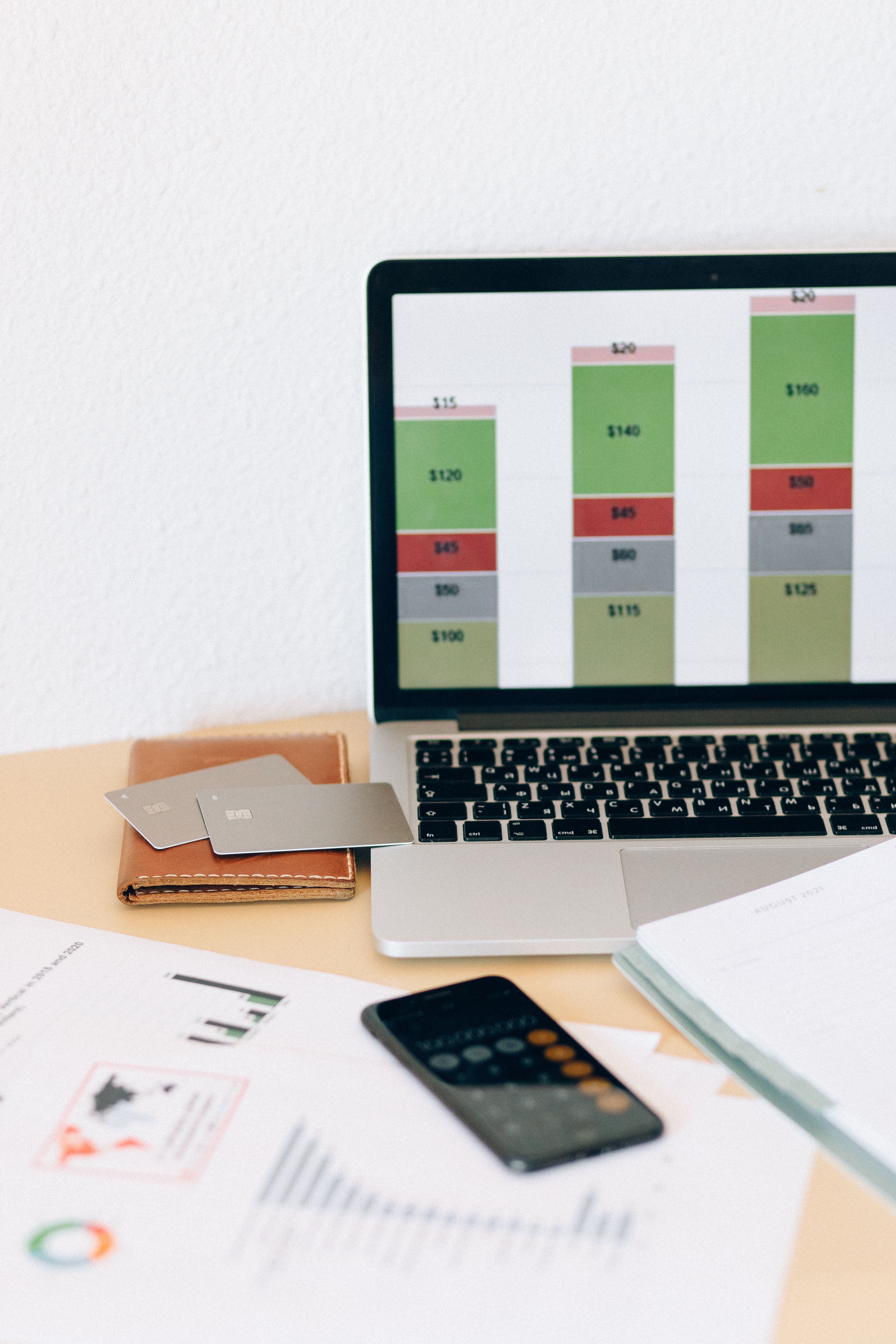

As your business grows, so do the demands on your financial systems. Accounting software that worked well when you first started may no longer provide the efficiency, visibility or functionality you need to manage your finances effectively.
But how do you know when it’s time to upgrade your accounting software or consider moving to a different system?
Here are seven common signs that your current software may be holding your business back.
1. You’re spending too much time on manual processes
If your finance team regularly relies on spreadsheets, manual data entry or repetitive tasks, your accounting software may no longer be meeting your needs. Modern systems can automate many everyday processes, reducing errors and freeing up valuable time.
2. Your financial reporting is limited
Accurate, timely financial information is essential for making informed business decisions. If producing management reports requires extensive manual work, or your software cannot provide the insights you need, it may be time to explore more advanced reporting capabilities.
3. Your software doesn’t integrate with other systems
As businesses grow, they often introduce additional tools for payroll, inventory management and customer relationships. Without effective integrations, information can become fragmented, leading to duplicated work and inconsistencies.
4. Your business has become more complex
Managing multiple departments, locations, entities or currencies can place additional demands on your accounting software. If your existing system struggles to accommodate these requirements, a more scalable solution may be needed.
5. Your month-end processes take too long
Closing your accounts shouldn’t involve days of unnecessary reconciliation and manual adjustments. Lengthy month-end processes may indicate that your software lacks the automation or functionality required to manage your financial operations efficiently.
6. You’re relying heavily on workarounds
If your team regularly exports data into spreadsheets or develops complicated processes to overcome software limitations, it could be a sign that your system is no longer fit for purpose.
7. Your software isn’t supporting future growth
Your accounting software should support where your business is heading, not just where it is today. If you’re planning to expand, introduce new services or increase transaction volumes, consider whether your current system can accommodate those changes.
How to decide whether to upgrade or change your accounting software
Recognising these signs doesn’t necessarily mean you need to replace your accounting software. Sometimes, improving how you use your existing system can be just as effective.
Before making a decision, consider three key questions:
- Are you making the most of your current software? Review its existing features, automation capabilities and available integrations. You may be able to address inefficiencies without changing systems.
- Can it support your future business needs? Consider whether your software can handle increasing transaction volumes, additional users, more complex reporting and your plans for growth.
- Would another system offer better long-term value? If your software continues to limit productivity or requires costly workarounds, upgrading or migrating to a different platform may be the better option.
Taking the time to assess these areas can help you make an informed decision and avoid unnecessary disruption or investment.
How Carpenter Box can help
At Carpenter Box, our Digital Accounting Solutions team helps businesses assess their accounting software, improve existing processes and identify solutions that support long-term growth.
Whether you want to get more from your current system or explore alternative accounting software, we can help you find the right approach for your business.Get in touch with our team to discuss your accounting software requirements.